
Nostalgia on Top of Apple's Aluminum
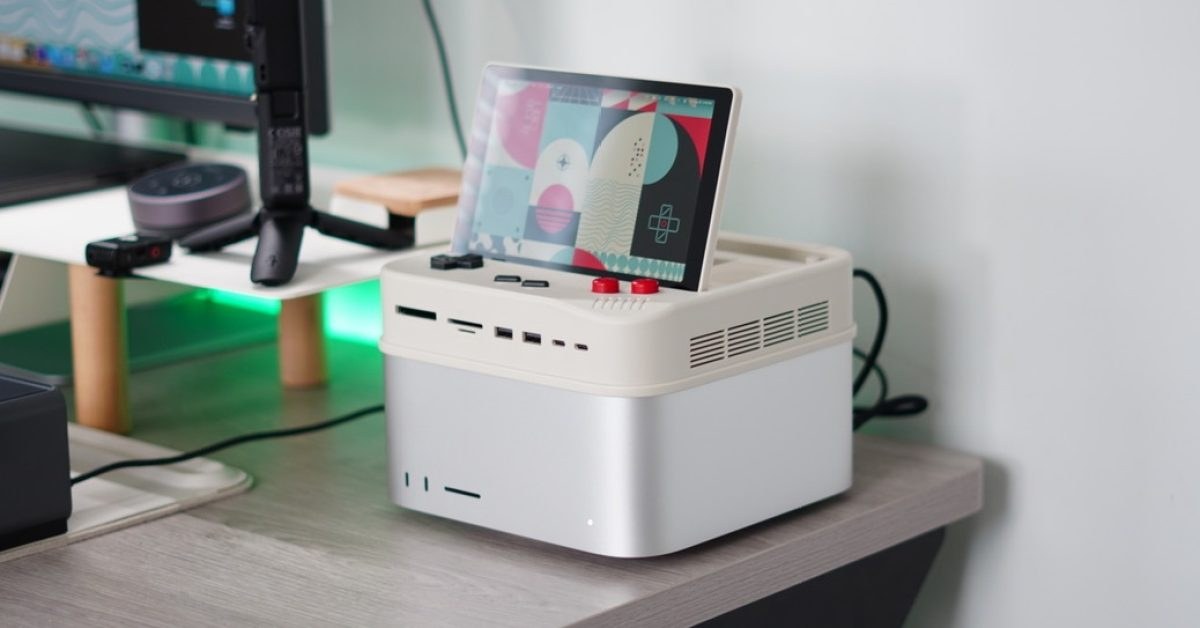
 pple desktop computers are powerful, but they look like sterile silver bricks that lack any personal character on a desk. Wokyis attempted to fix this sterile aesthetic by releasing retro-style docks designed specifically to sit directly on hardware units like the Mac mini and Mac Studio.
The Wokyis G7 dock turns a Mac Studio into a miniature throwback workstation. Fernando Silva tested the G7 model and noted that it completely reshapes the machine into a conversation starter featuring a beige finish, a directional pad, and tactile red action buttons.
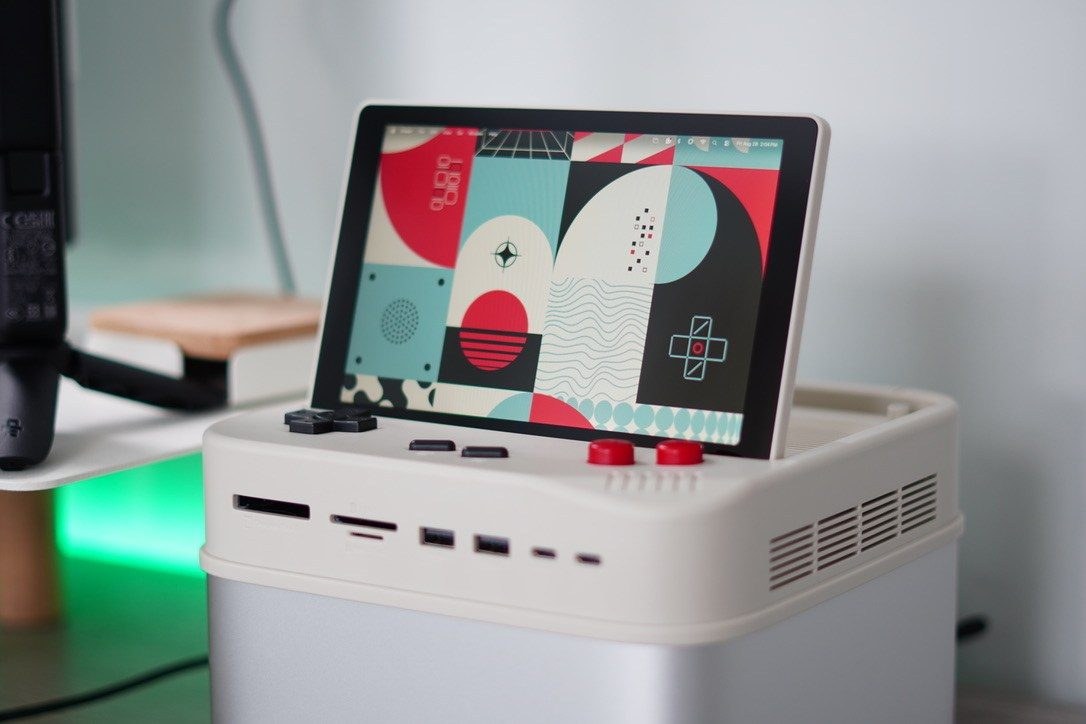
"The beige finish, directional pad, red action buttons, and flip-up display immediately give the setup a nostalgic gaming aesthetic."
Beyond visual flair, the unit integrates a 7-inch flip-up IPS display with a 1280×800 resolution that macOS handles as a standard secondary screen without driver hurdles.
Practical Utility and Real-World Ergonomics
Having a tiny auxiliary monitor sitting directly on your desktop machine turns out to be surprisingly practical rather than purely decorative. Silva used the 7-inch display as a dedicated color monitoring screen in Final Cut Pro and for secondary viewing like video podcasts while handling administrative work.
The hardware housing also provides nine physical and remappable shortcut controls. These physical buttons handle routine daily operating tasks like copying, pasting, capturing screenshots, adjusting screen brightness, and controlling media playback and volume.

"Nine physical and remappable shortcut controls"
For connectivity, Wokyis offers 10 Gbps and 80 Gbps configurations across its lineup, accommodating the G5 for Mac mini and the G7 for Mac Studio.
Storage Expansion and Thunderbolt 5 Bandwidth
The standout technical upgrade on the 80Gbps edition is the inclusion of Thunderbolt 5 connectivity. An integrated M.2 NVMe SSD enclosure supports drive capacities up to 8TB, allowing you to bypass Apple's internal storage upgrade pricing.
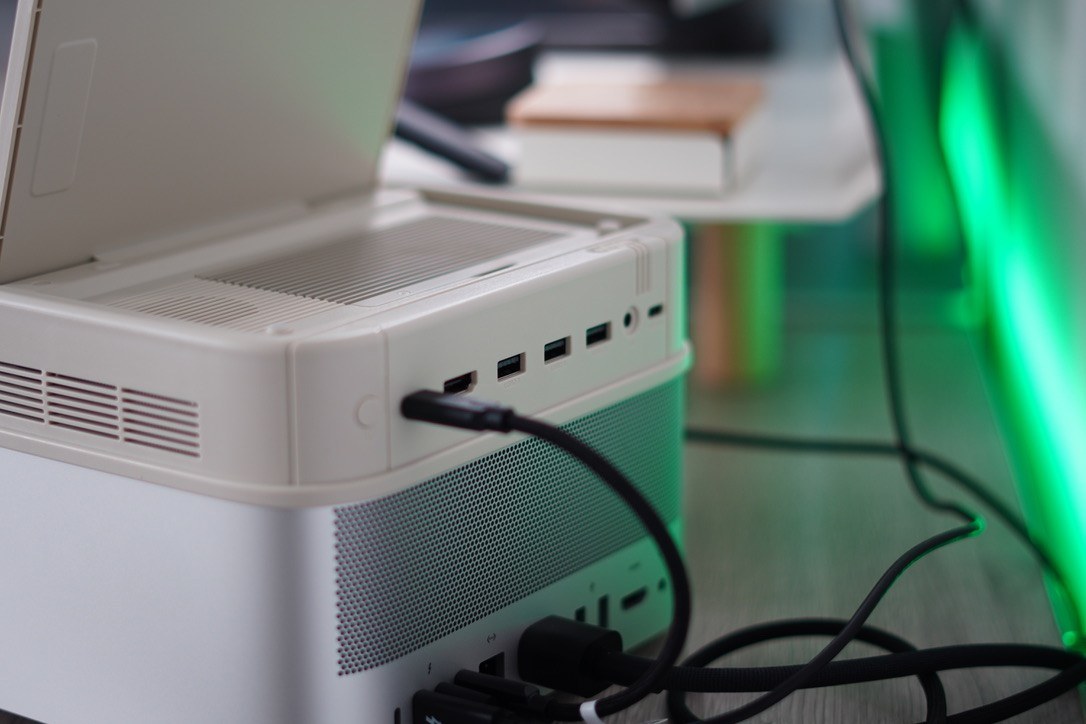
Data ingest capabilities are bolstered by dedicated slots on the chassis, making this an expensive yet genuinely clever way to escape Apple's proprietary upgrade tax.