
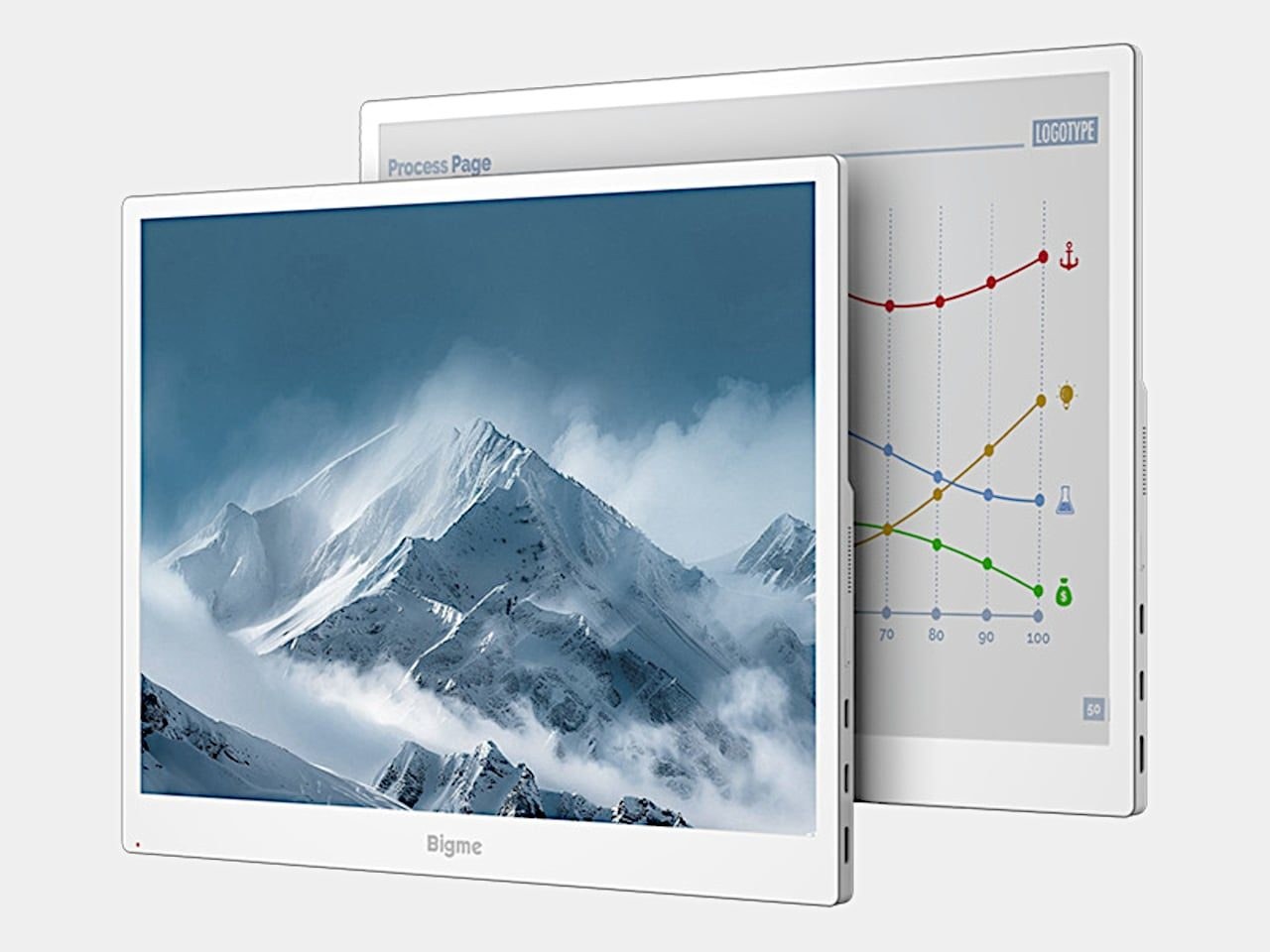
 taring at standard monitors all afternoon leaves your eyes feeling like sandpaper. While electronic paper offers a softer surface, its notoriously sluggish updates usually make standard office work feel like wading through wet cement. Bigme aims to bridge that gap with a 13.3-inch color e-paper monitor, dangling a claimed 60 FPS refresh rate to see if the technology can finally handle dynamic desktop tasks instead of just sitting there displaying static novels. The white frame keeps its appearance closer to an e-reader than a typical gaming monitor, featuring a broader lower bezel and physical controls along the edge. Its 4:3 proportions also grant documents more vertical room than an equally wide widescreen panel, accommodating long spreadsheets without forcing constant scrolling.
Measuring roughly 11.3 by 9.1 inches and weighing 1.46 pounds, it is portable enough to toss into a bag, though it remains a dedicated companion rather than a full-size desktop replacement. Rather than shooting a harsh backlight straight into your retinas, Kaleido 3 e-paper relies on reflected ambient light, backed by an adjustable frontlight for dimmer surroundings. As Bigme notes in its specifications, the native 3200×2400 resolution delivers 300 pixels per inch for black-and-white content, making text-heavy tasks its strongest suit. Keeping a reference document beside your main draft makes sense when the legibility of static text matters far more than buttery-smooth animations. Getting that extra workspace does not require cluttering your desk with a mess of adapters either, as a compatible USB-C connection pipes both video and power through a single cable, provided your source device plays along.
Performance limits and everyday reality
Naturally, Bigme's claimed jump from 30 to 60 FPS is the hook that catches the eye. If that metric holds up in actual day-to-day use, cleaner scrolling and cursor movement could finally make e-paper tolerable for regular computing. However, as independent reviewers point out, treating this like a conventional 60Hz monitor is dangerously optimistic. Without rigorous, independent response-time or ghosting measurements, relying purely on vendor claims leaves buyers exposed to motion blur. Color reproduction comes with severe asterisks too. Kaleido 3 supports 4,096 colors, but color density plummets to 150 pixels per inch. That is plenty for color-coding cells or highlighting passages in a PDF without turning everything into a muddy gray, but expecting the vibrant punch of an IPS or OLED panel is a recipe for disappointment. Real color grading belongs on your primary display; this panel is meant for parking reference material where your eyes won't wither by five o'clock.
Color also comes with qualifications. Kaleido 3 supports 4,096 colors, with color density dropping to 150 pixels per inch.
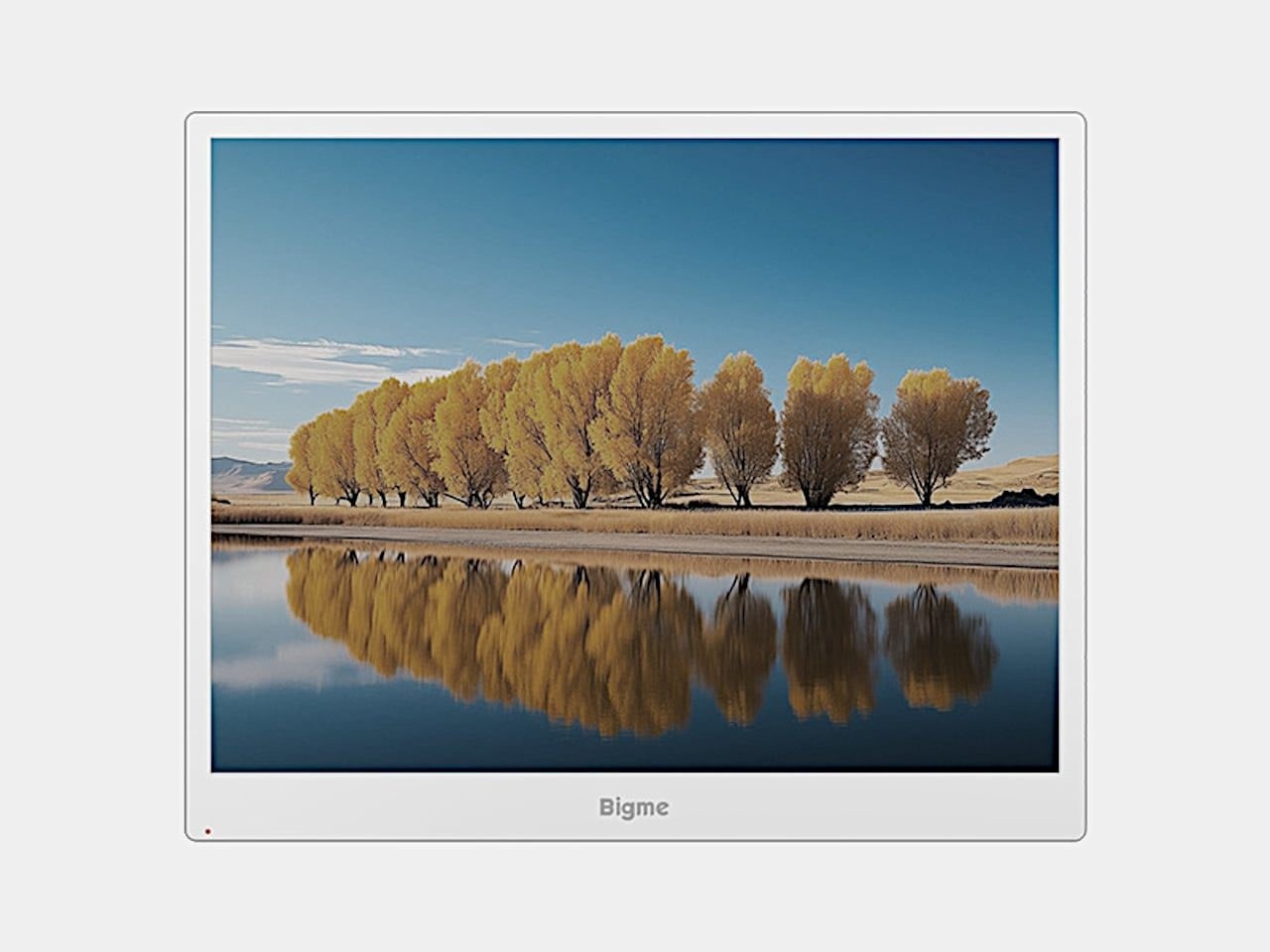
You can theoretically push this setup further by flanking your laptop with a pair of B13 screens, leaving the central display for traditional app behavior. That configuration demands buying two monitors and heavy-duty mounting hardware separately, effectively doubling the physical weight hanging off your desk setup. Bigme lists a $569 preorder price that eventually climbs to a $749 regular price, yet the product page remains stubbornly vague about firm shipping schedules. That is a steep tariff for a 13.3-inch auxiliary screen, particularly if you are eyeing a dual-monitor rig. The single-cable design keeps things tidy, but the fundamental choice comes down to which parts of your daily workflow actually benefit from electronic paper and which deserve to stay on a conventional screen.
A 13.3-inch color e-paper monitor at these prices is a specialized instrument for dedicated spreadsheet jockeys, not a universal display upgrade for the masses.