
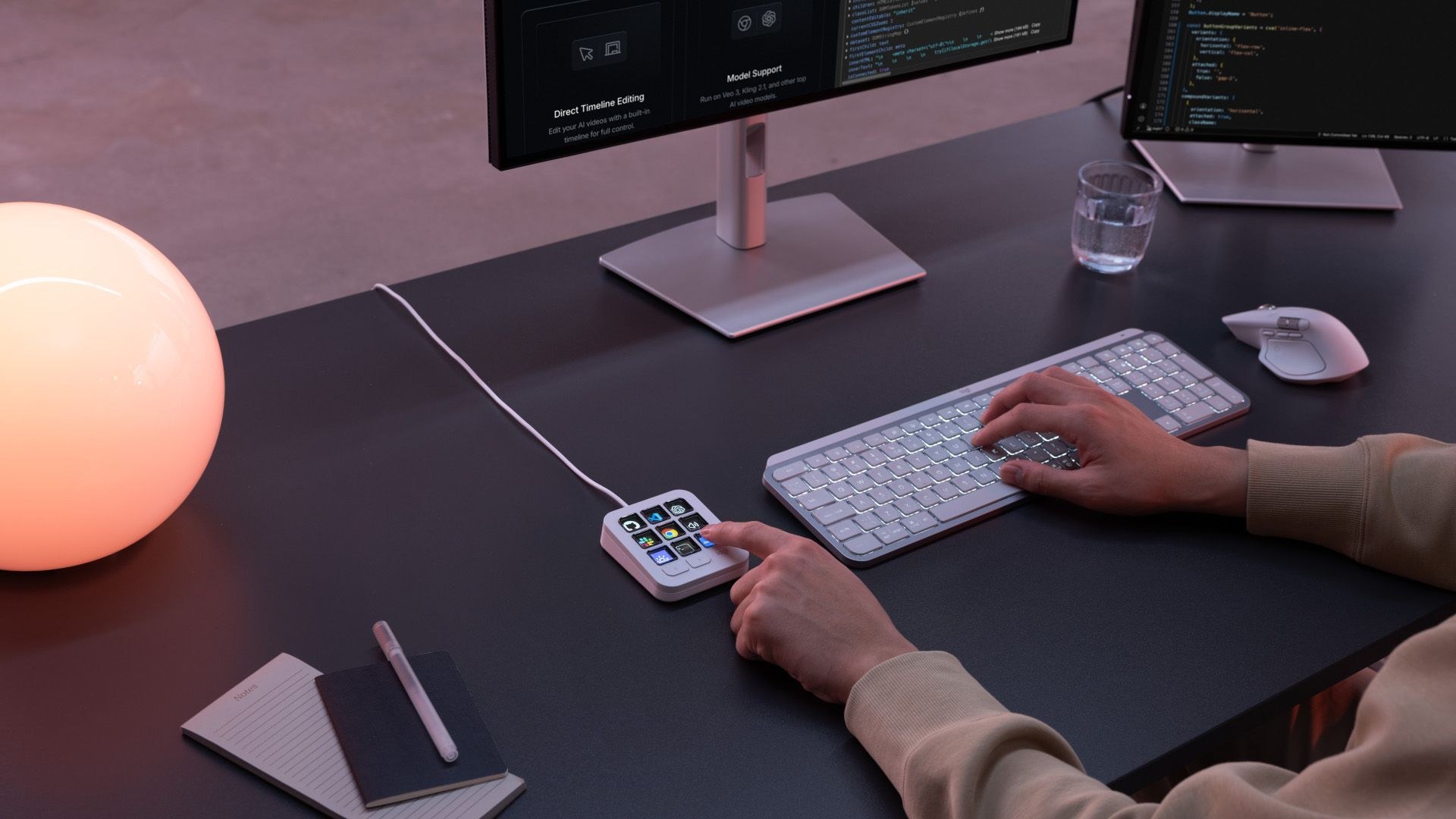
 ogitech has introduced a dedicated desktop controller aimed squarely at developers wrestling with artificial intelligence workflows. The MX Keypad costs $99 and packs nine customizable full-color LCD keys designed to trigger commands, run multi-step macros, and summon AI assistants without touching a standard keyboard combination. Weighing just 96 grams and measuring roughly the width of a standard mouse, the miniature console sits unobtrusively right next to your primary input device.
Logitech developed the unit alongside GitHub to serve as a physical command center across coding environments. The hardware links via USB-C and operates on macOS 13 or later, as well as Windows 10 or later.
“MX Keypad puts a physical control center at your fingertips, allowing you to orchestrate your AI workflows faster and more intuitively.”
That explanation from Anatoliy Polyanker, VP and GM at Logitech, frames the accessory around juggling developer agents like GitHub Copilot, Claude Code, and OpenAI Codex. The company built the device using certified post-consumer recycled plastic, amounting to 64% in the graphite edition and 49% in the pale gray finish.
Halving the Console Price
This is not Logitech’s first attempt at dedicated desktop shortcuts. The company previously released the MX Creative Console at $199.99, which bundled an LCD pad with an analog dialpad aimed at media editors. Stripping out the dial cuts the entry price in half to $99, making the MX Keypad a much more focused alternative for software tasks.
The fundamental question remains whether an external shortcut dock justifies its footprint when your keyboard already contains dozens of perfectly usable keys. You are essentially paying one hundred dollars to retrain your muscle memory for nine physical buttons, trading software hotkeys for a dedicated piece of plastic on your desk. For engineers buried under constant AI prompts, it might shave off milliseconds; for everyone else, it is an expensive conversation piece.