
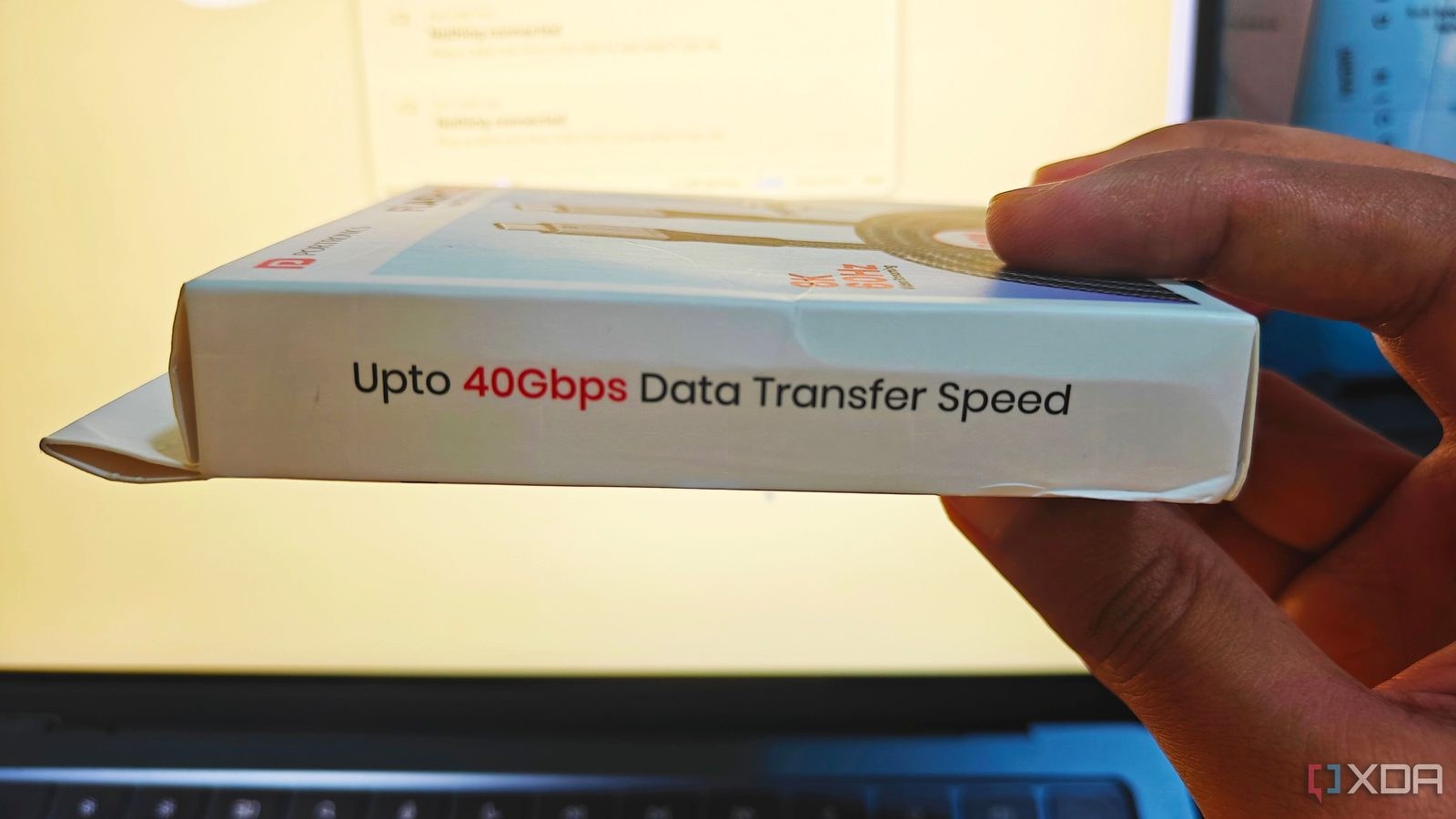
 e have all been there: you grab a sturdy-looking USB-C cable off a shelf or an online marketplace, trusting the bold promises printed on the cardboard, only to wonder why your external drive is crawling at USB 2.0 speeds. According to our evaluation of current accessory markets, budget manufacturers have mastered the art of digital impersonation. They routinely program cheap e-marker chips inside the connectors to broadcast any specification they want, transforming a flimsy charging cord into a fake 40Gbps Thunderbolt 4 powerhouse on paper.
For the average buyer trying to connect a portable SSD to a laptop, sorting through this mess feels like buying a sports car based entirely on a handwritten sticky note on the windshield. The reality in your hands is often a massive disappointment. As it turns out, having a chip inside the connector guarantees nothing about real-world performance or actual USB-IF certification. Such a cheap wire can easily mislead your operating system, claiming it handles maximum data rates and 240W power delivery while lacking the physical internal shielding to back it up.
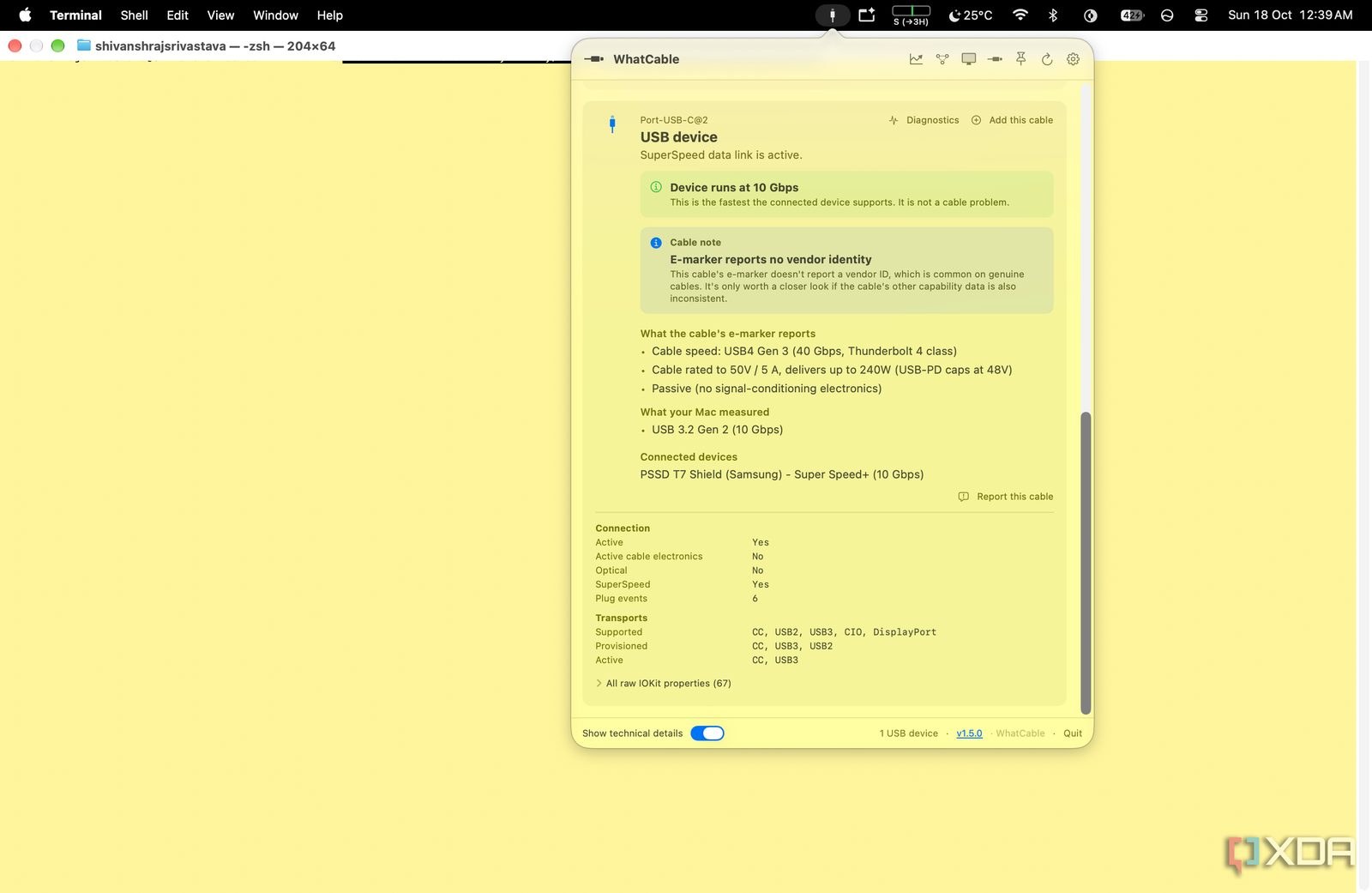
Every high-speed cable relies on a tiny electronic component called an e-marker chip to negotiate power and data protocols with your computer. During our recent practical checks using an M2 MacBook Air connected to a Samsung T7 Shield external drive, we ran a free open-source utility called WhatCable to inspect what these chips actually broadcast. What we found was startling: shady manufacturers easily spoof these responses by tweaking just a few bits in the chip's memory, leaving crucial fields like manufacturer IDs and certification statuses completely blank or fabricated.
Fortunately, you do not need an engineering degree or a lab oscilloscope to call their bluff. Mac users can install WhatCable via the terminal using a simple command, or query the system directly using native tools like `ioreg -r -w0 -c IOPortTransportComponentCCUSBPDSOPp` to read the raw data coming straight from the cable's internal chip. There is one crucial catch, however: the cable will only reveal its true data profile to the operating system if you have an active device plugged into the far end during the check. Windows users do not get off that easy either; checking raw cable parameters on a PC usually requires dedicated hardware tools like ChargerLAB's Power-Z KM003C tester, which sits between the port and the cable.
In our view, paying extra for premium labeling without a way to verify the hardware is an expensive gamble against manufacturers who count on your apathy. Most buyers will never notice the discrepancy until a massive file transfer takes four times longer than expected, and by then, the return window has long since closed. Stop trusting bold typography on packaging, rely on trusted community-tested brands, and check your accessories before trusting them with your data.