
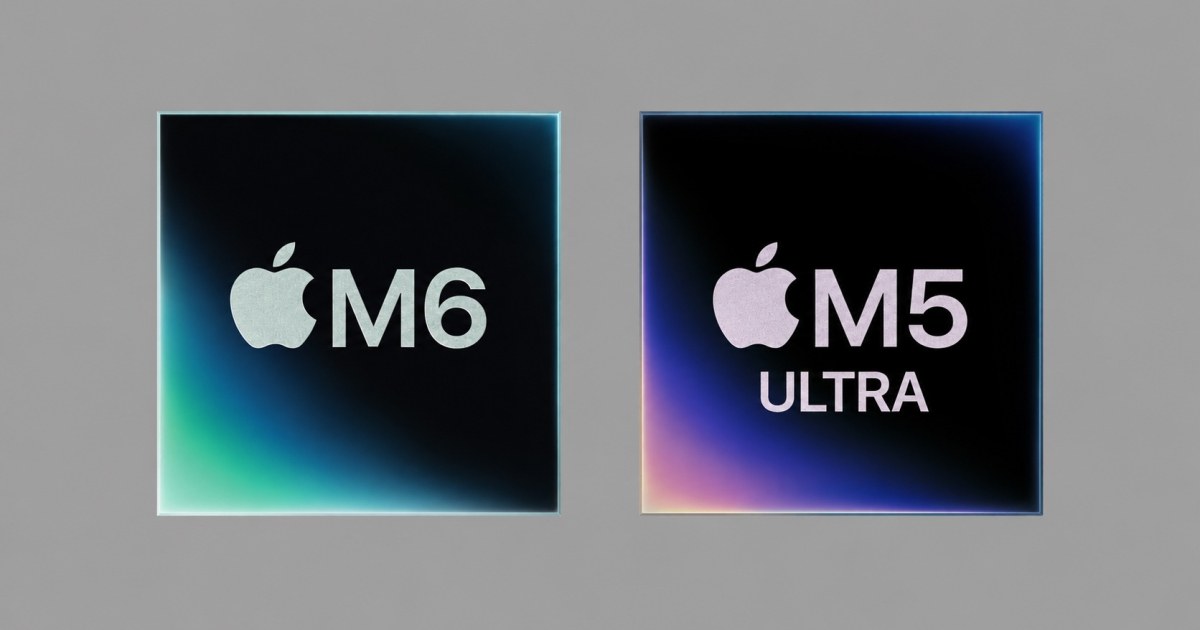
 pple has unexpectedly disrupted its own release playbook. Cupertino rolled out the entry-level next-generation M6 chip in the compact Mac mini alongside the heavyweight M5 Ultra for the Mac Studio. This jumble of naming conventions is easy to get lost in: why did the base chip jump straight to six while the flagship model stayed on five, and is there any real reason to replace your desktop right now?
What Changed Inside the Tiny Box
The M6 processor has migrated to a 2nm fabrication process. Stripping away the marketing jargon, this delivers one simple practical benefit: the chip generates less heat and draws less power under sustained load. Under the hood, you now get 12 CPU cores instead of ten on the M5: two super cores, four performance cores, and six efficiency cores. The graphics section also features 12 cores, each packing a dedicated neural accelerator. On top of that, Apple engineers added a dual 16-core Neural Engine designed to run local AI models in parallel.
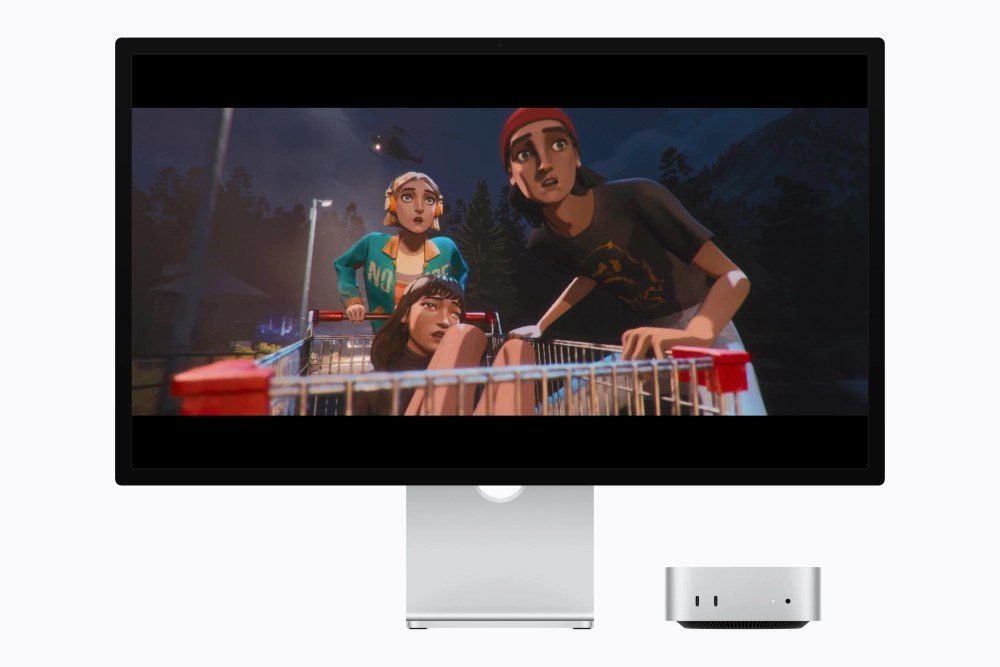
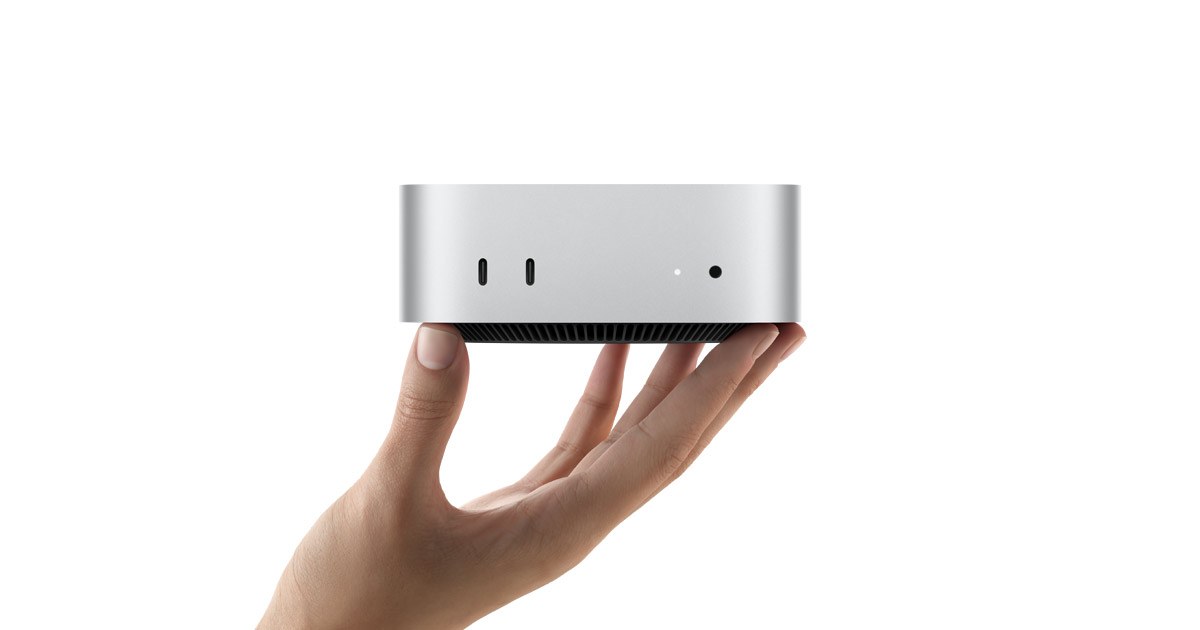
In plain English: for the Mac mini’s tiny enclosure, this guarantees near-silent operation. The cooling fan will not ramp up into a jet engine when editing video clips or processing a massive batch of RAW photos. Unified memory bandwidth has increased to 170 GB/s with a 32 GB ceiling, allowing the system to handle heavy project files without stutter or lag.
Real-World Gains vs. Keynote Numbers
In multi-threaded workloads, the M6 outpaces its M5 predecessor by just 20%, while graphics in AI tasks gained around 30%. That is an incremental year-over-year bump. Owners of M4 or M5 setups have zero reason to rush out and buy this: you will not notice any difference in web browsing or spreadsheets. However, pit the new model against original M1-era Mac mini units, and the jump is dramatic: CPU throughput is 2.4 times faster, and AI graphics processing outstrips the first-generation silicon by more than eight times.
Drawing the Line for Everyday Users
The simultaneous launch of the M5 Ultra clearly marks the dividing line between regular users and production studios. The flagship chip fuses four dies together with an immense interconnect bandwidth exceeding 4.4 TB/s. In its top-tier configuration, it packs 36 CPU cores, 80 GPU cores, and up to 512 GB of unified memory, backed by a 32-core Neural Engine, discrete neural accelerators in every GPU core, and a media engine armed with four ProRes units.
That level of computing power is tailored for running massive on-device LLMs and heavy 3D rendering in visual effects houses. Everyday buyers have no use for this excessive hardware or its premium price tag. The base M6 Mac mini easily covers standard workflows with plenty of headroom.
Check your "About This Mac" menu: if it lists an M1 or M2 processor and your machine is starting to choke on demanding tasks, budget for the M6 Mac mini. It represents the first genuinely justifiable upgrade cycle in years.