
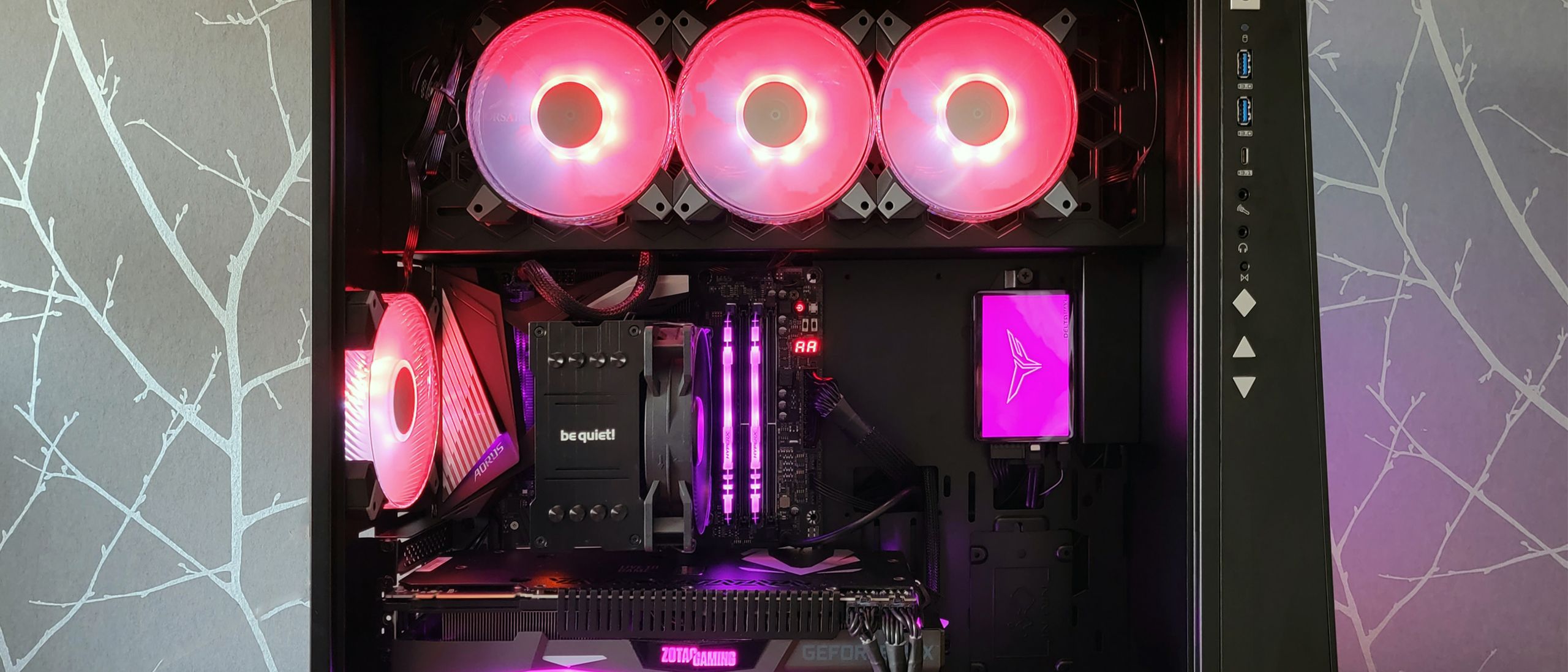
 ou sat down to play a game, and instead of smooth frame rates, your rig froze solid, flashed a Blue Screen of Death, and rebooted. If you recently installed the Windows 11 update KB5121003 and own hardware that glows in the dark, the culprit sitting on your desk is not a failing graphics card. It is the bloated, poorly engineered background software controlling your rainbow lights.
According to an official status advisory on Microsoft's Windows 11 25H2 health status dashboard, the operating system is crashing because third-party RGB utilities are directly interfering with critical system files. Instead of keeping peripheral tools in user-level space where they belong, accessory vendors have spent years shipping low-level drivers that poke straight into ring-zero kernel layers just to cycle through cosmetic color profiles.
Reports confirm this clash strikes popular online multiplayer titles including Arc Raiders, Marvel Tokon: Fighting Souls, and The Finals. Players in these games watch their display hang completely before Windows throws a hard EXCEPTION_ACCESS_VIOLATION error that forces an instant reboot.
Deep Drivers in the Wrong Place
To make LEDs flash in sync with your mouse movements or system thermals, accessory makers routinely bundle legacy low-level components like inpoutx64. This driver operates in kernel space—the ultra-sensitive bedrock of Windows where fundamental hardware instructions execute—rather than running as an ordinary, isolated desktop application.
Modern game anti-cheat systems treat unvetted kernel drivers as severe security threats. When anti-cheat software detects an RGB driver running at Ring 0, it blocks the code to prevent memory tampering. The lighting utility still tries to execute instructions or poll a sensor, slams into the anti-cheat barrier, and triggers an unhandled memory fault.
"this issue is related to peripherals or internal device components which have RGB lighting features."
When Windows terminates that low-level driver mid-execution, the resulting kernel panic gives the operating system no choice but to drop straight into a blue screen to prevent data corruption.
How to Stop the Crashes
Microsoft confirmed it is investigating the conflict alongside game developers. In the meantime, both Microsoft and Embark Studios—the team behind Arc Raiders and The Finals—recommend manually disabling the offending background driver or uninstalling third-party lighting suites entirely until patched.
You do not need vendor bloatware monopolizing kernel privileges just to set a static color on your keyboard. Switching to Windows Dynamic Lighting—the built-in lighting control hub inside Windows 11 Settings—handles compatible gear natively without injecting fragile background drivers into your system.
Wiping aggressive RGB suites and falling back on native OS lighting controls eliminates crashes immediately while hardware vendors scramble for fixes. When you spend good money on gaming gear, you are paying for responsive hardware in your hands, not an unstable machine sabotaged by lazy background code.