
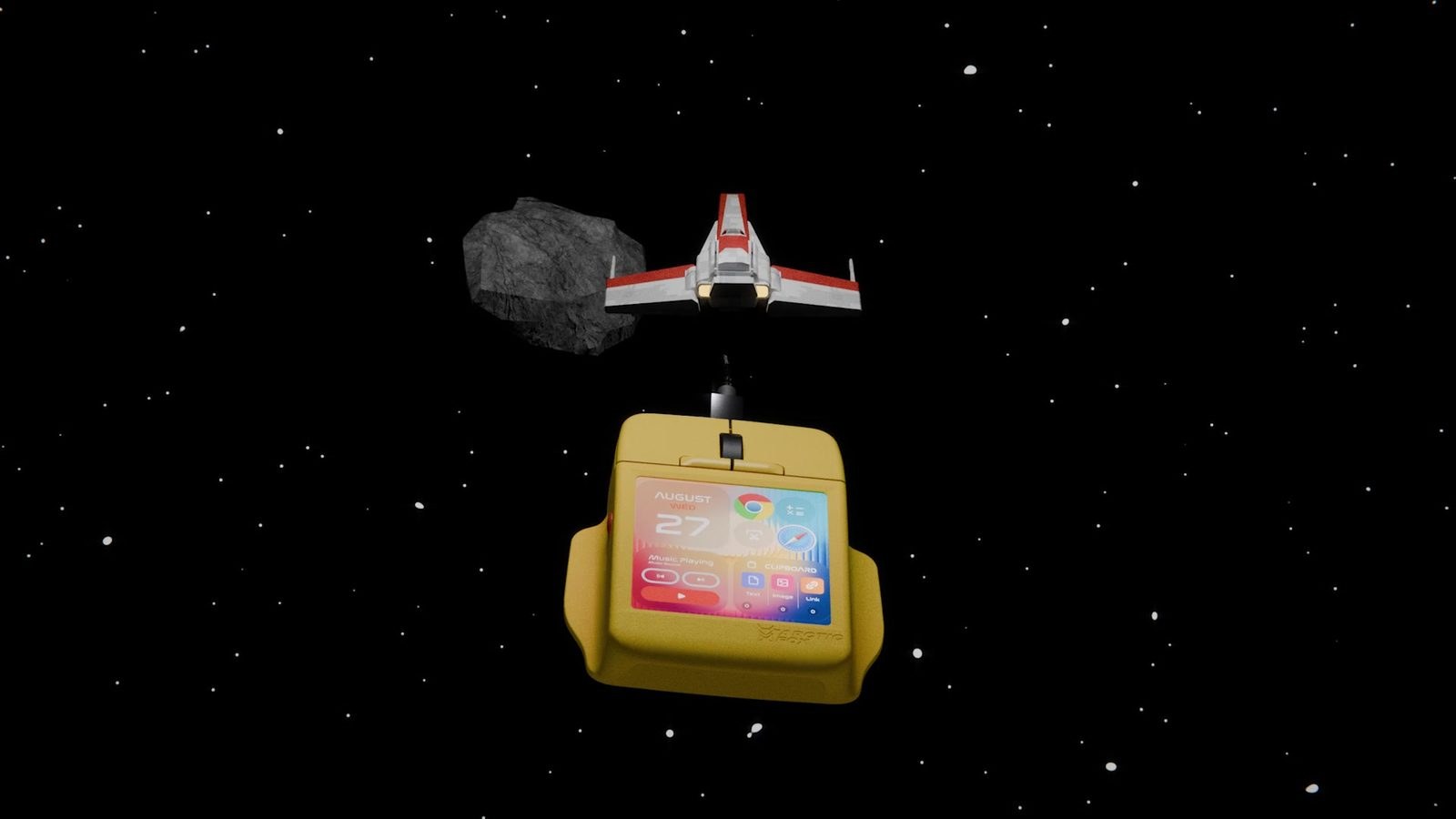
 ou pay $199 for a wired pointing device with a tiny color screen strapped to its back, designed to cure your habit of reaching for the keyboard for every little thing. The project, called Super Mouse, packs a 3.1-inch square display with a 720x720 resolution right under your right hand, swapping out button layouts on the fly depending on what app you have open. The pitch boils down to a straightforward promise: gather all your shortcuts, volume sliders, and a virtual keyboard right beneath your fingertips so you spend less time glancing away at the main monitor.
Stuffing a mini-display inside a mouse body turns a familiar peripheral into an expensive puck with questionable ergonomics. The asking price of $199 on Kickstarter does not include shipping, which the creators plan to calculate and charge separately after the campaign wraps up. If you are hoping to drop a clean, wireless tool onto your desk straight away, reality looks a bit harsher: a USB-C cable handles power and data transmission all at once.
How the screen works and what it actually does
The hardware centers around a square display that changes its job to match whatever task you throw at it. Shifting from a spreadsheet to an image editor forces the panel to display the exact shortcuts and commands you mapped to that specific program inside the Flow desktop app. Beyond shortcuts, the screen handles app launches, brightness adjustments, volume control, and full text input using a virtual keyboard.
The wired USB-C mouse works with Windows and macOS through Arctic Fox’s Flow desktop app.
Physical buttons dubbed Hyper Keys handle grunt work like macros or firing off entire sequences of programs with a single press. Right beside them sit built-in microphones for voice dictation across more than 90 languages, plus motion sensors that turn tilts and twists of the body into arrow key commands.
Where the logic breaks and why you should think twice
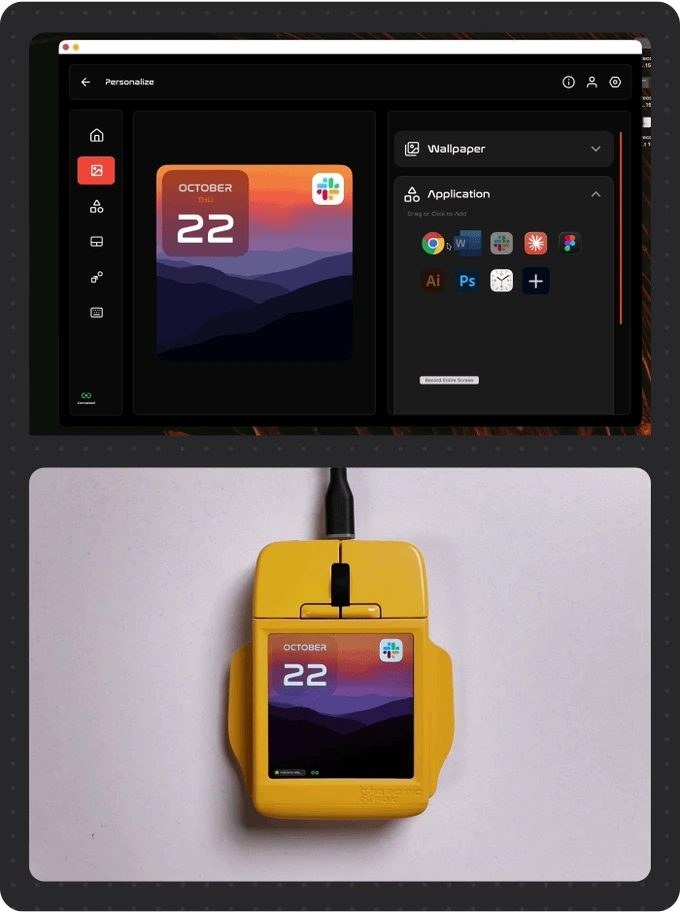
The main flaw in the layout is its multi-purpose ambition, which on the desk turns into an ergonomic compromise. A double-tap on the screen turns it into a multi-touch trackpad for scrolling and zooming, while gestures like a drawn triangle can save a file. Even so, resting your palm on a device where a touch-sensitive panel loaded with extra functions sits under your fingers instead of smooth plastic is not going to feel natural for everyone.
This shaky ergonomics meets standard crowdfunding risks, where February 2027 listed as the shipping window is merely an estimate rather than a guarantee of retail fulfillment. The developers also expect backers to pick their body color only after the fundraising drive closes through a separate survey.
$199 for a wired mouse arriving a year and a half from now.
Against the field
Why put shortcuts and a virtual keyboard under your palm if your hand covers the screen whenever you move the cursor? The Super Mouse tries to merge a controller with an auxiliary touchscreen, but its wired USB-C setup and touch-sensitive surface clash directly with desktop ergonomics. Instead of using blind clicks, you have to lift your hand off the mouse just to check and tap dynamic buttons. Backers end up paying $199 for a wired experiment with an estimated delivery in February 2027.